How to Build an Interactive Demo That Fits Your Product
A demo of an API shouldn't look like a demo of a web app. This guide shows how to plan and script the right one for your product, and which tool fits.
Short on time?
Summarize it with your favorite AI tool.



Someone asked for a clickable interactive demo on the website, and every guide you’ve found gives the same five steps: pick the a-ha moments, capture the screens, write the tooltips, add a call to action, publish. Those steps are fine, but they skip what comes before them. An interactive product demo of an API has almost nothing in common with one of a mobile app, and neither should be scripted from the feature list. This guide works out what your product type needs first, then walks through the build and the tool to build it in.
What is an interactive product demo?
An interactive demo is a self-guided, clickable replica of your product that a buyer explores without a login or a sales call. Tooltips over captured screens walk the buyer through one outcome at a time, so they see the product do their job before anyone asks for an email address.
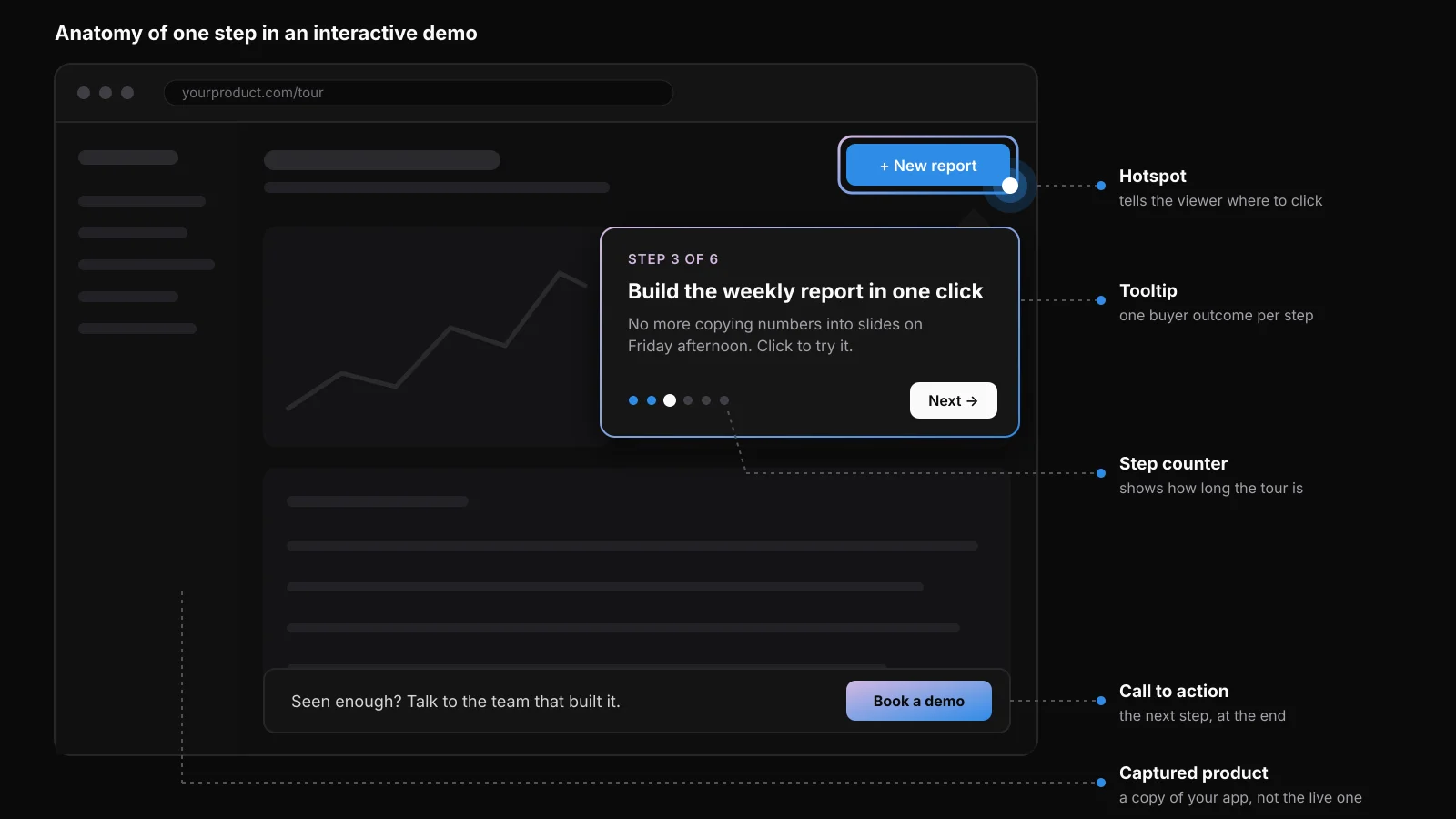
The five parts of a step: the captured product, a hotspot, a tooltip with one buyer outcome, a step counter and a call to action.
Interactive demos come in four forms: click-throughs built from HTML or screenshot captures, sandboxes that are a live copy of the product, video demos with hotspots on a recording, and agent demos, where an AI agent answers visitors from content you supply, as Navattic Agents and Storylane’s RepX do.
A product tour is different: in-app guidance for users who have already signed in. An interactive demo is for prospects who haven’t.
Demos are still rare. Navattic’s State of the Interactive Product Demo 2026 found a demo call to action on 18% of the roughly 5,000 B2B SaaS sites it sampled. Of the top 1% of demos, 62% sit on product or solution pages, 48% on the homepage and 44% in a demo center, and teams also send them by email and as sales leave-behinds. These figures describe Navattic’s sample, not your buyers, so test flow length, placement and calls to action against your own audience.
How should the demo change with your product?
What the demo shows and how you capture it depend on the product. Settle both before opening a tool, because HTML capture, the method most top demos use, works only on web apps.
| Product type | What the demo should show | How to capture it |
|---|---|---|
| Web app | One workflow to its result, in a handful of steps | HTML capture, which keeps hover and scroll |
| Multi-persona platform | One short flow per persona or use case | HTML capture, entered through a demo center |
| Developer or API product | The output, not the settings | Screens of the result and a short scripted call |
| Mobile app or hardware | The moment of use | Media capture: screenshots or video |
| AI product | A scripted prompt with a fixed answer | Captured screens; any agent answers from set content |
Navattic’s 2026 report found that demos with two or more flows were completed 57% of the time, against 35% for single-flow demos. Navattic’s guide to interactive demos shows the pattern: Lattice branches its demo after a short form into manager or HR admin, Notion’s demo center is organized by team use case, and Vitally’s by core feature.
Developers judge an API by what comes back, so the demo is a short scripted call, then the result. Oscar Santolalla made the case for Nordic APIs in 2015, calling an API demo “a play, not improv.” Navattic’s roundup of AI interactive demos points to Okteto’s code-responsive demos as a current take on the idea.
AI products need the most discipline, because a live model can improvise a wrong answer in front of a buyer. Script the prompt and fix the answer. Even Navattic’s agent demos answer from the “docs, FAQs, and product knowledge” you give them.
For mobile apps, Navattic’s capture documentation points to media captures, because HTML capture doesn’t support native apps, and Supademo splits an uploaded screen recording into clickable steps. For hardware, show the moment of use on video.
How to build an interactive demo, step by step
Building an interactive demo takes five steps, and the first happens before you capture a single screen.
1. Start from what buyers said
Before you write a tooltip, gather the personas, their pains and objections, and the messaging you already use with them. A script written from the feature list shows settings nobody asked about.
Take a hypothetical expense tool. On sales calls, finance leads keep saying the month-end close waits on missing receipts. So the demo doesn’t open on approval rules. It opens on the close dashboard with three receipts missing, and the first click chases them down.
If your personas and messaging live in Calven, an AI assistant connected through its MCP server reads each persona’s pains, jobs and objections, the value props by persona and the customer quotes behind them before the first step is written, so the script starts from the same story sales uses.
Otherwise, read recent call transcripts and win-loss notes, by hand or with an AI assistant, for the phrases buyers repeat, and check them against your ideal customer profile.
2. Turn the a-ha moments into short flows
The script is your message map walked in click order, one a-ha moment per flow. Navattic’s report puts top demos at 5 to 13 steps, with the highest completion at 1 to 6, so split a long flow instead of stretching it. The expense tool gets two: the finance lead closing the month, and an employee snapping a receipt.
3. Capture the product and clean the data
Capture in HTML where you can. 86% of top demos do, and 52% edit the capture afterwards. Swap the test data for the persona’s world, real-looking vendors instead of “Test Co 3”, and address the buyer as “you”, which only 29% of top demos do. Never capture real customer data: a demo is public the moment it’s embedded.
4. Write the steps, the CTAs and the gate
Open with an intro modal that says what the buyer is about to see, as most top demos do. Keep each step to 25 to 30 words and one outcome. Don’t save the call to action for the last step: top demos average five, placed on one or two steps.
Leave it ungated by default. 66% of top demos are ungated, and the gates that exist are light: three in four ask for one field, and almost half come at the end.
5. Publish where buyers decide, then keep it current
Put the demo above the fold or in the navigation bar, where 80% of the top 1% sit. Desktop visitors spend 2.7 minutes in a demo and mobile visitors 1.2, so give phones a shorter flow or a video.
Before it goes live, check every claim in the demo against the current product and get it approved like any buyer-facing copy. Agree a baseline with sales too, and track how many demo viewers turn into qualified opportunities, alongside the clicks.
Then re-capture after every release that changes a screen the demo shows. Otherwise buyers learn the product from screens that no longer exist.
Which interactive demo software fits your situation?
Your product type narrows the field and your budget decides the rest. All four have a free plan, and prices are from the vendors’ pricing pages in October 2026.
| Situation | Tool | Why it fits |
|---|---|---|
| Web app, sales-led, editable HTML demos | Navattic | HTML capture at the core, AI Copilot, free Starter plan |
| Fast screenshot demos plus a sandbox and a website agent | Storylane | Screenshot capture on every plan; sandbox and RepX in one suite |
| Short demos alongside AI launch videos | Arcade | Video-led platform that still sells interactive demos |
| Tight budget, mobile app, onboarding demos | Supademo | Largest free plan and routes for mobile capture |
Navattic
Navattic builds no-code HTML clones of web apps, with an AI Copilot and Navattic Agents that answer visitors from docs you supply. The free Starter plan covers one seat, one demo and unlimited views. Paid plans are billed annually at unpublished prices.
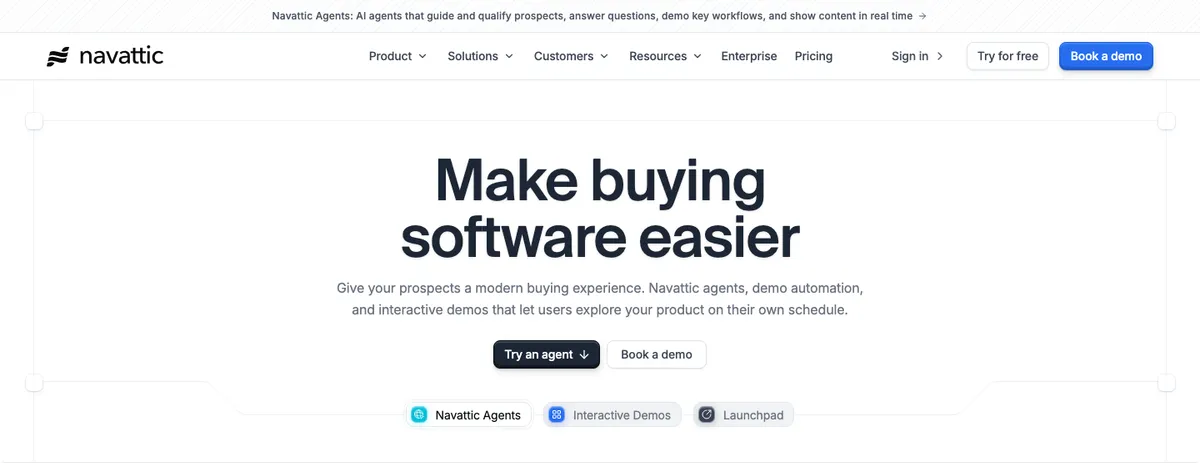
Navattic: “Make buying software easier.”
Storylane
Storylane sells itself as a buyer experience platform: demos, sandboxes and Hubs in one suite, plus RepX, a website agent that answers product questions and books meetings. Screenshot capture comes on every plan, and the free plan has one seat and one live demo. On monthly billing, Starter costs $50 a month and Growth, where HTML capture starts, $625 a month.
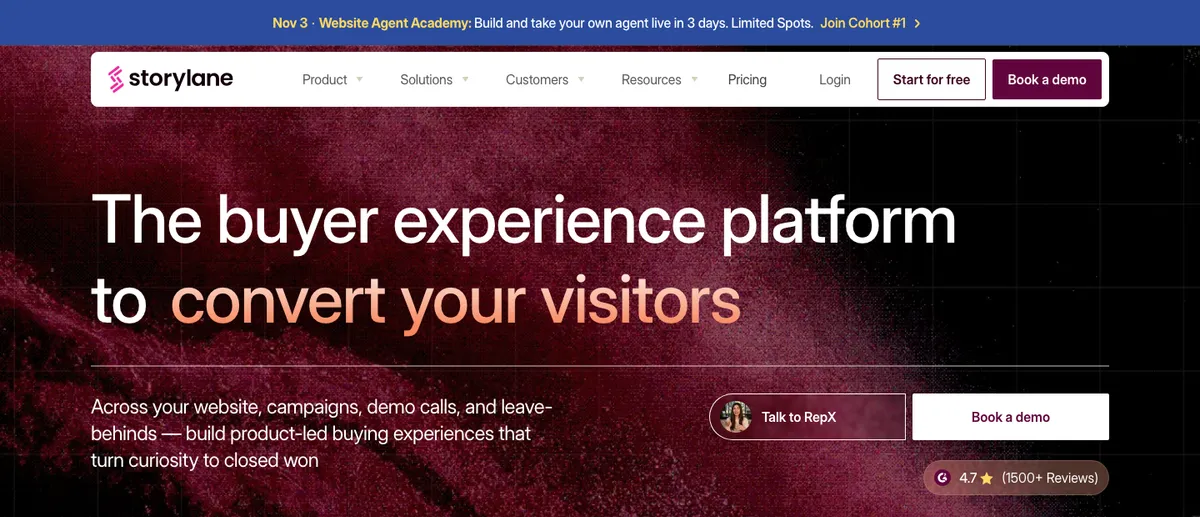
Storylane: “The buyer experience platform to convert your visitors.”
Arcade
The homepage leads with AI video, but Arcade still sells interactive demos with “no login, no sandbox, no follow-up call.” The free plan has one user and one published demo, Growth costs $50 per seat a month, and HTML capture is listed only on Enterprise.
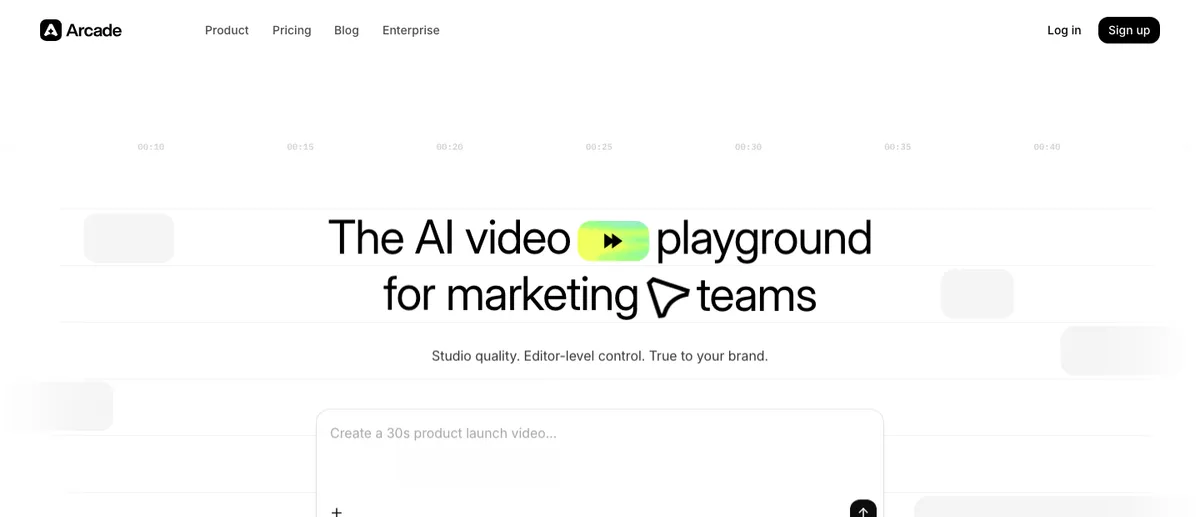
Arcade: “The AI video playground for marketing teams.”
Supademo
Supademo has the largest free plan of the four, at five demos, and handles mobile apps through uploaded recordings and an emulator. Scale costs $50 a month, or $38 billed annually. HTML capture starts at Business, $199 a month billed annually.
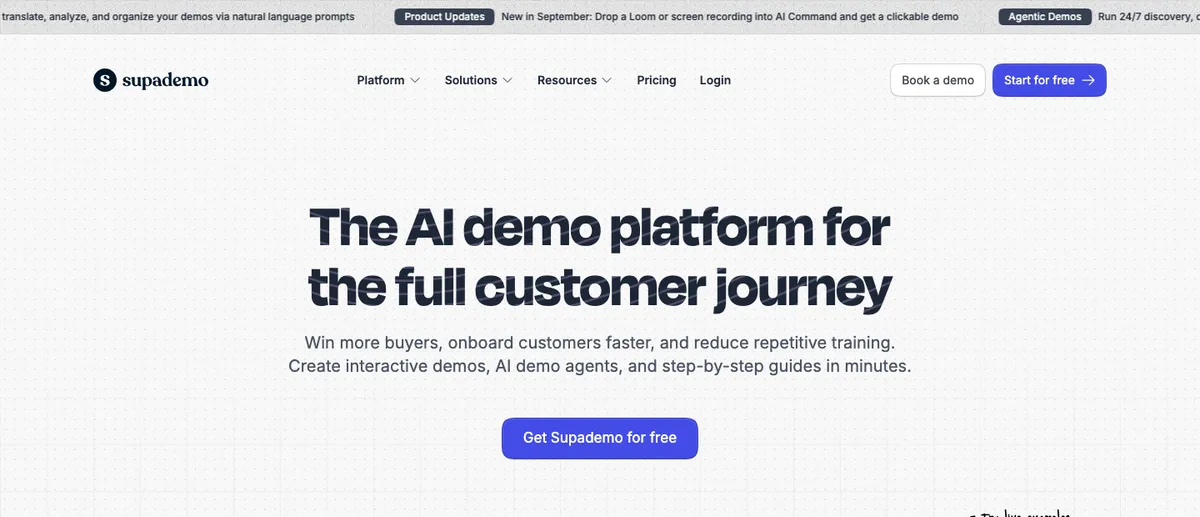
Supademo: “The AI demo platform for the full customer journey.”
For a live sandbox instead of captured screens, Navattic’s guide points to Reprise.
Whichever you pick, build the first flow from step 1 on the free plan and show it to a buyer before you buy a seat. A demo that opens on the problem the buyer named on the call works in any of the four. One that opens on settings won’t be rescued by any of them.
Frequently asked questions
What is the best tool to create an interactive product demo?
It depends on your product and budget. Navattic fits web apps that need editable HTML demos, Storylane fits fast screenshot demos plus a sandbox and a website agent, Arcade fits teams that also make launch videos, and Supademo fits mobile apps and has the largest free plan. All four have a free plan, so build the first flow there before paying.
How many steps should an interactive demo have?
A handful per flow. Navattic's State of the Interactive Product Demo 2026 puts top demos at 5 to 13 steps, with the highest completion at 1 to 6. When a flow runs long, add a second flow instead of stretching the first.
Should you gate an interactive demo?
Not by default. Two in three top demos in Navattic's 2026 report are ungated. Where a gate exists, three in four ask for a single field and almost half put it at the end, after the buyer has seen the product.
Can you build an interactive demo without engineers?
Yes. The common tools capture the product through a browser extension, a desktop app or an uploaded recording. Navattic describes itself as a no-code platform for building demos without engineering help, and Arcade says no code or design skills are needed.

David Kolinek is the co-founder and CEO of Calven. He spent nearly a decade at Ataccama, a B2B data management company, rising from product design to VP of Product and then VP of Product Marketing, where he lived the gap between the strategic work PMMs sign up for and the tactical grind that replaces it. He writes about product marketing, competitive intelligence, and how small teams put AI to work without the busywork.
Connect on LinkedInRelated resources
Message Map: What It Is and How to Build One (+Free Template)
Turn your positioning into words your whole team can reuse: a filled-in example, a build method that starts with buyer language, and a free template.
The Product Marketing Tech Stack in 2026: What a Modern PMM Stack Looks Like
Product marketing should pay for only part of its stack. What to buy, what to borrow from sales and RevOps, and how MCP ties it together.